CareerNetwork
CareerNetwork started with a simple goal: to bring clarity and structure to how people find mentorship online. We noticed that existing tools like LinkedIn or Slack groups made discovery easy but not meaningful, connections felt random, and mentorship was unstructured.
We set out to build a platform that connected credibility, community, and opportunity under one system. Our focus was to design a product ecosystem, not just another networking feature.
Information Architecture
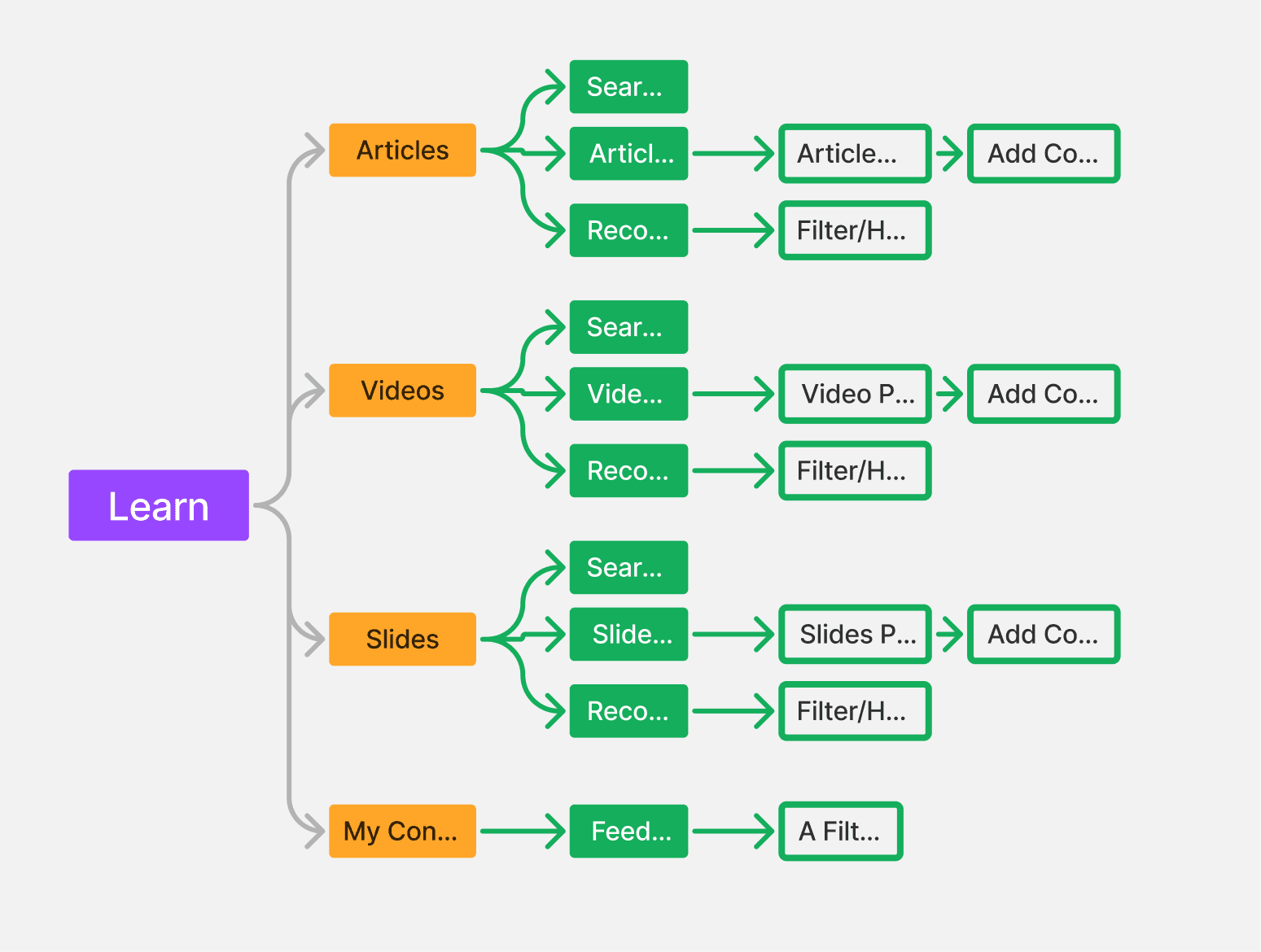
I began by mapping every possible user flow, from joining the platform to mentoring, learning, and managing sessions. The sitemap became the foundation of CareerNetwork 3.0.
I organized it into three clear modules:
Community: where visibility and interaction happen
Mentorship: where structured guidance is exchanged
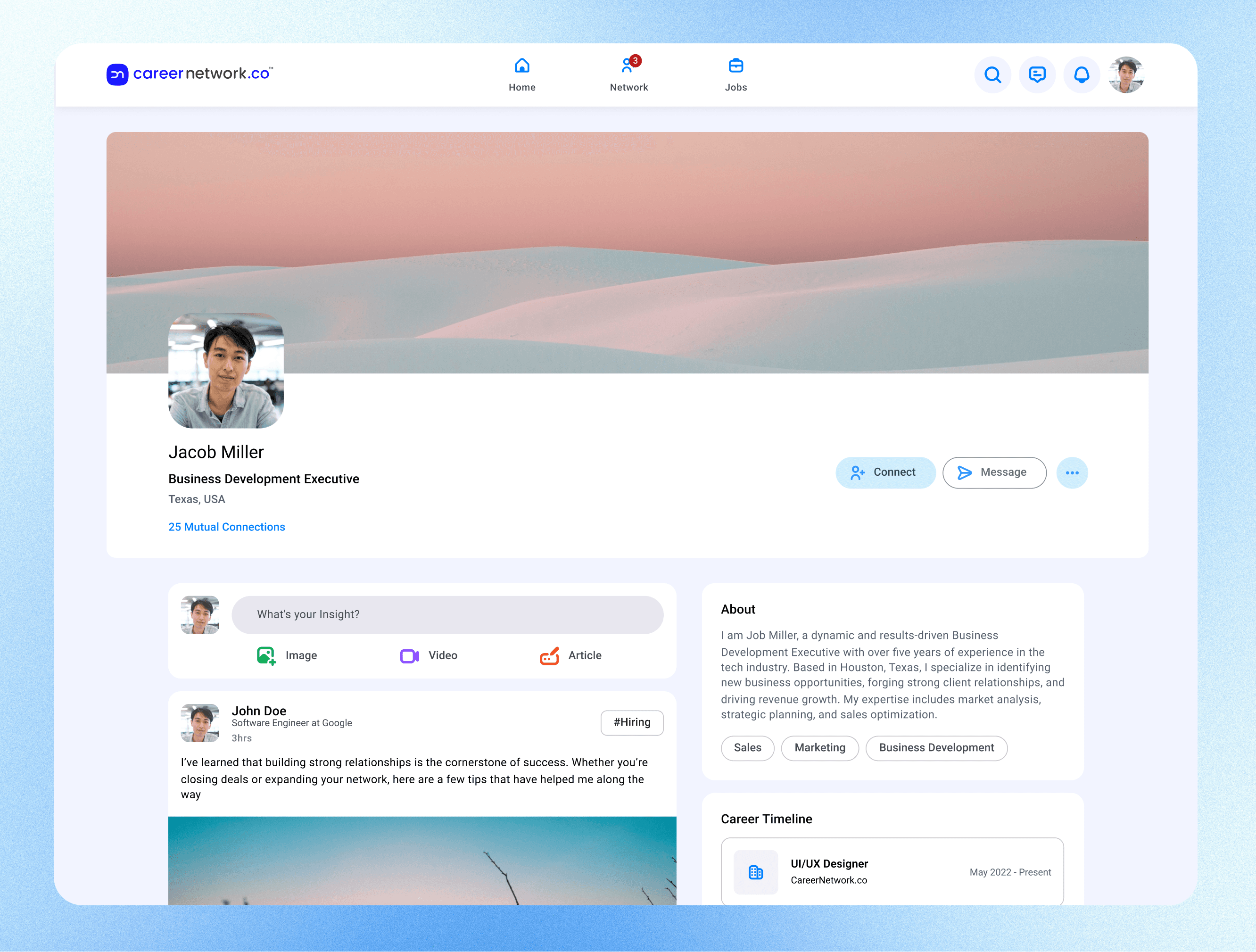
Profile: the user’s professional anchor that ties it all together
Supporting systems like Admin, Wallet, and Learning were placed in secondary layers, establishing hierarchy and purpose. This step helped me make the product’s logic intuitive, every path leads back to the user’s identity and growth.
Wireframing: Designing for Behavior
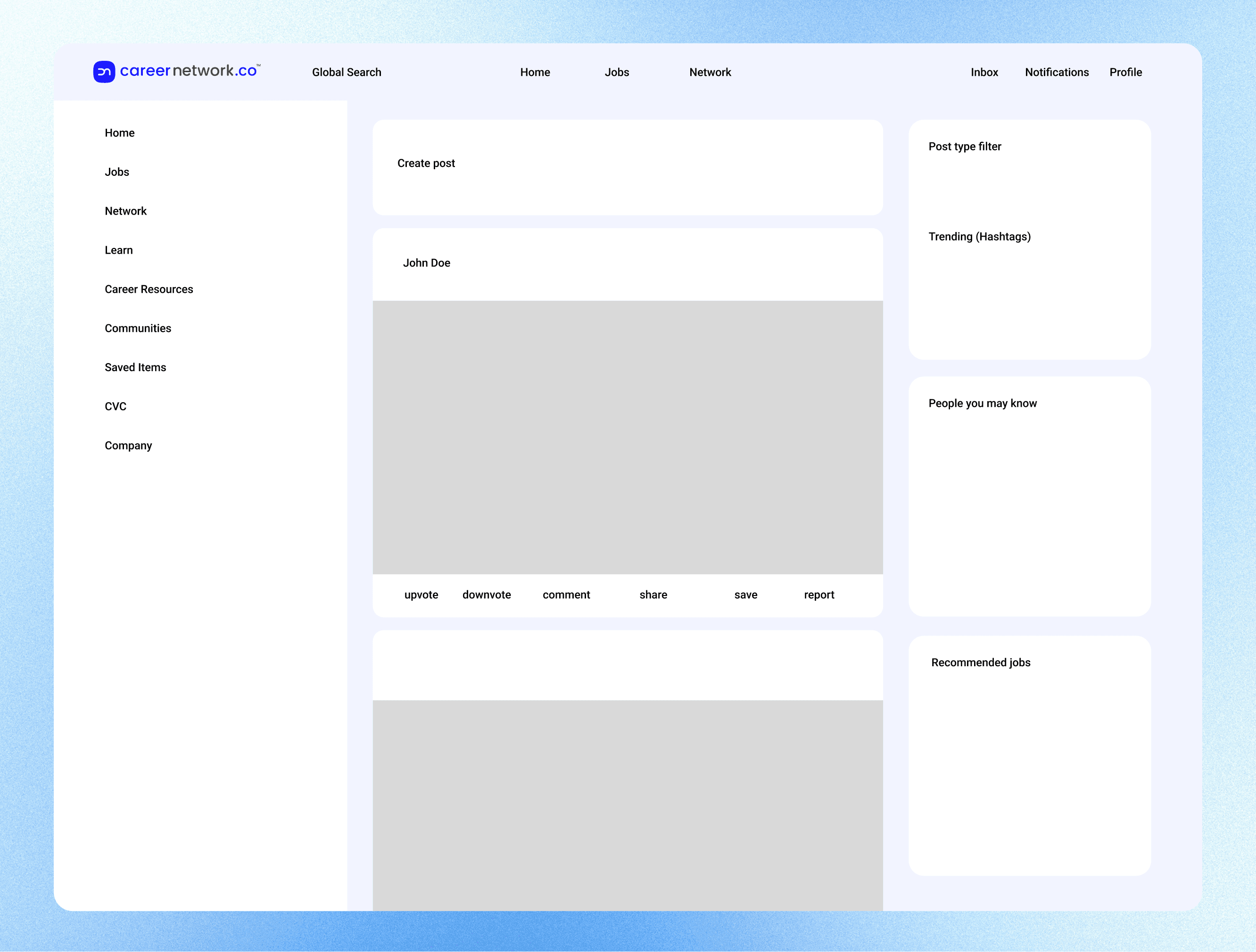
Once the structure was clear, we shifted to wireframes, focusing purely on behavior and logic.
Our goal was to make every screen answer three questions:
What is the user doing right now?
How do they know it worked?
What can they do next without friction?
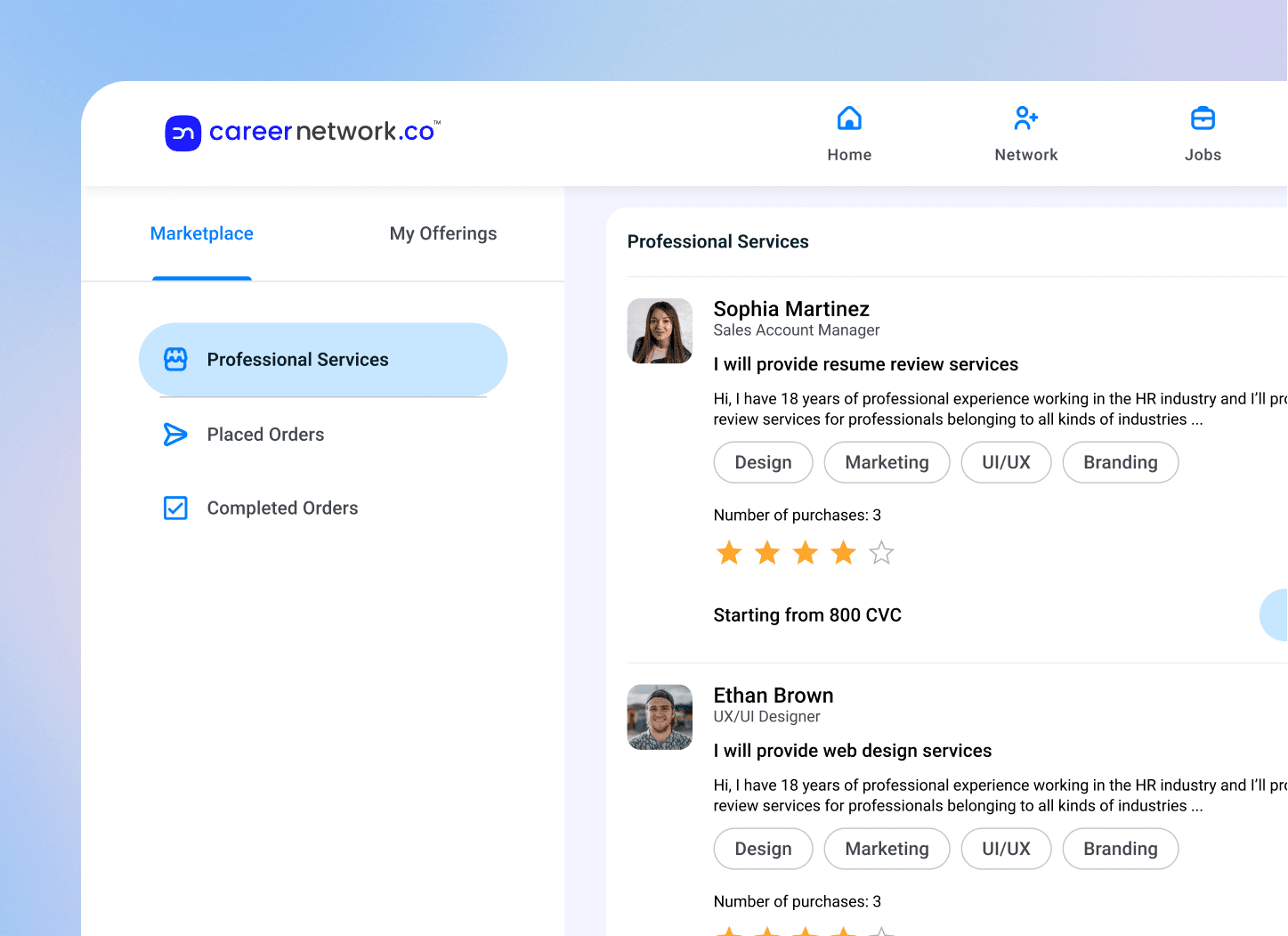
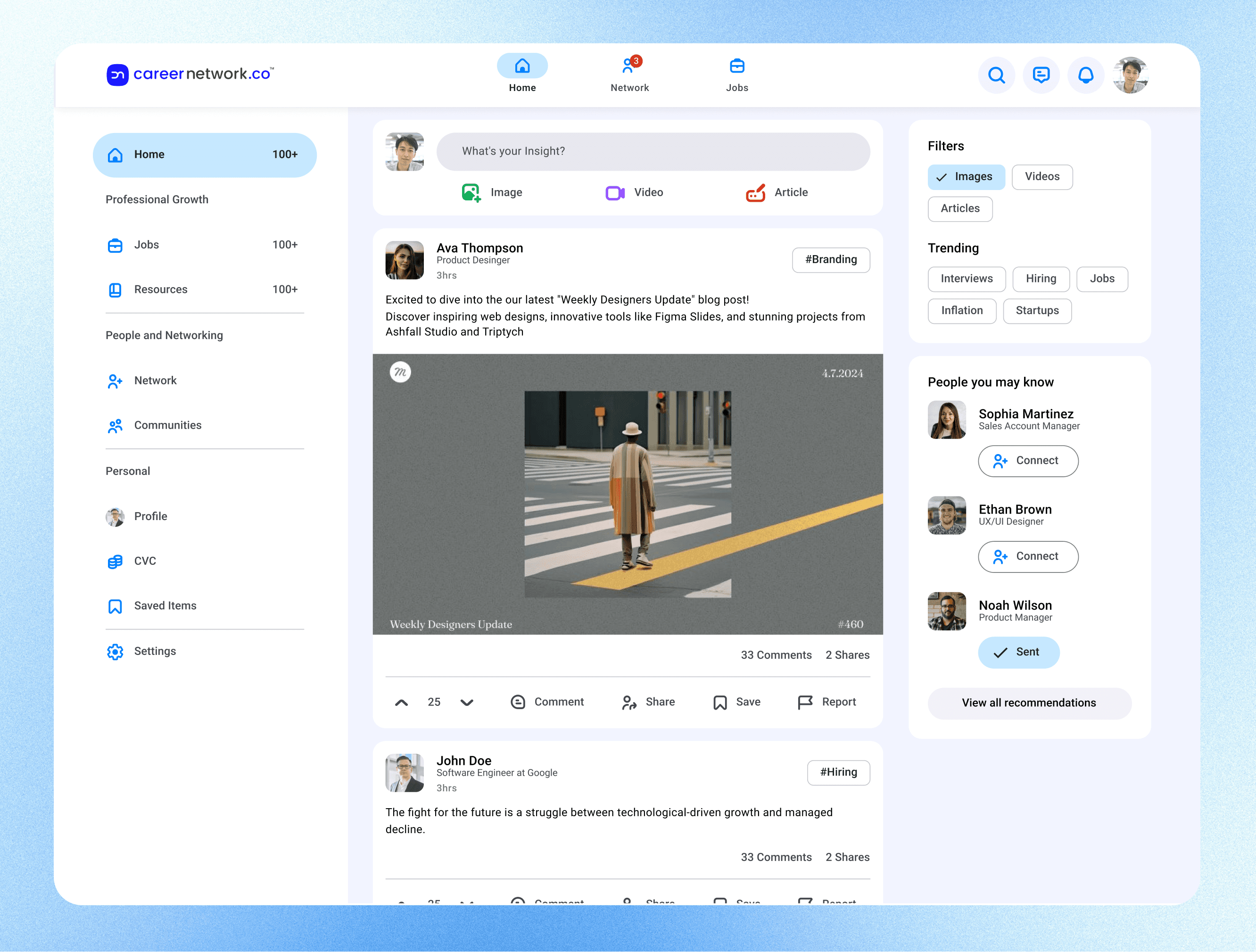
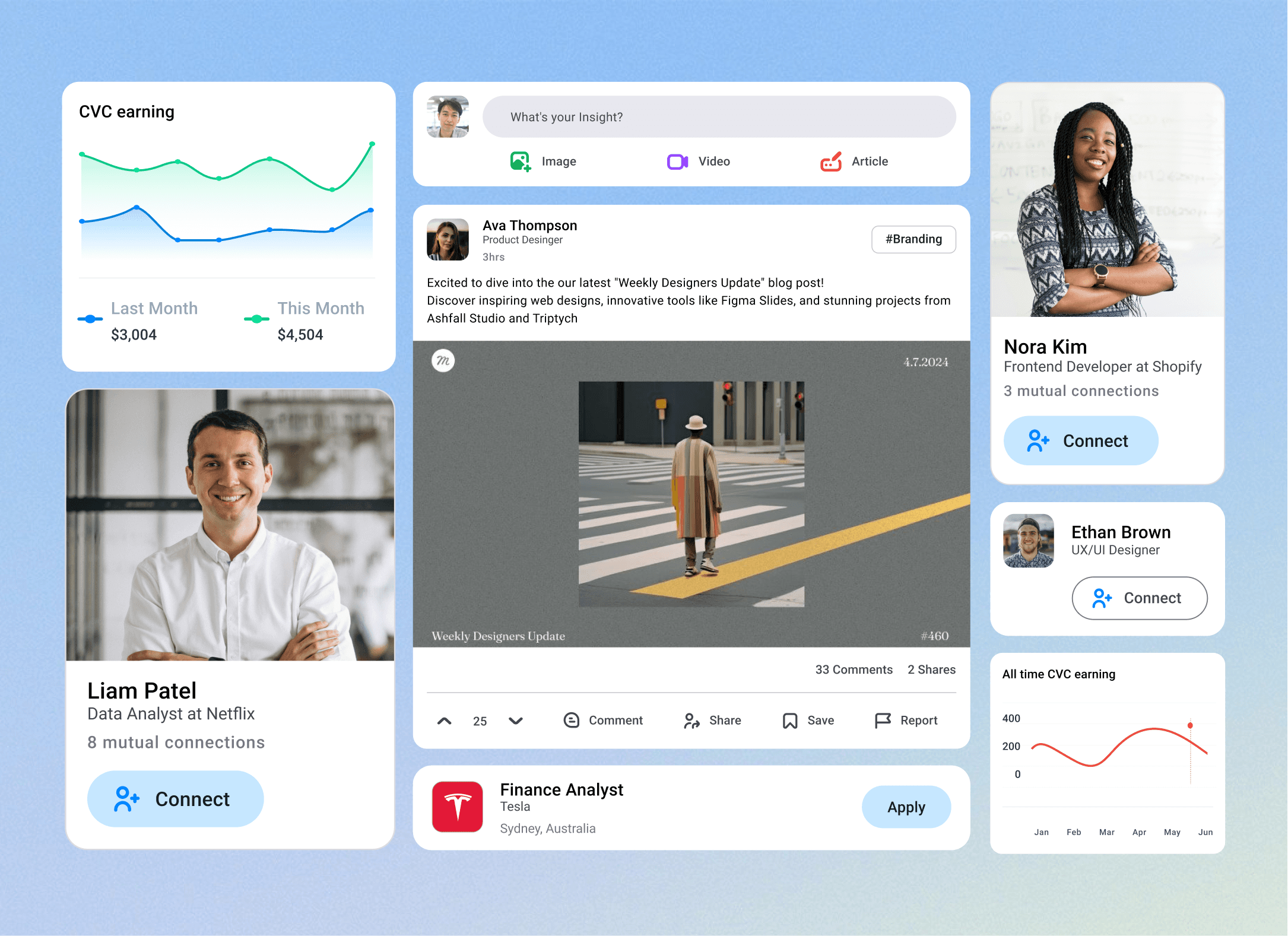
We relied on a consistent two-column grid, left navigation and right workspace, and card-based modules for people, sessions, and posts. This created a predictable rhythm across the product so users didn’t have to relearn layouts.
At this stage, the product already felt functional and coherent, even in grayscale.
Building the Interface with Material 3
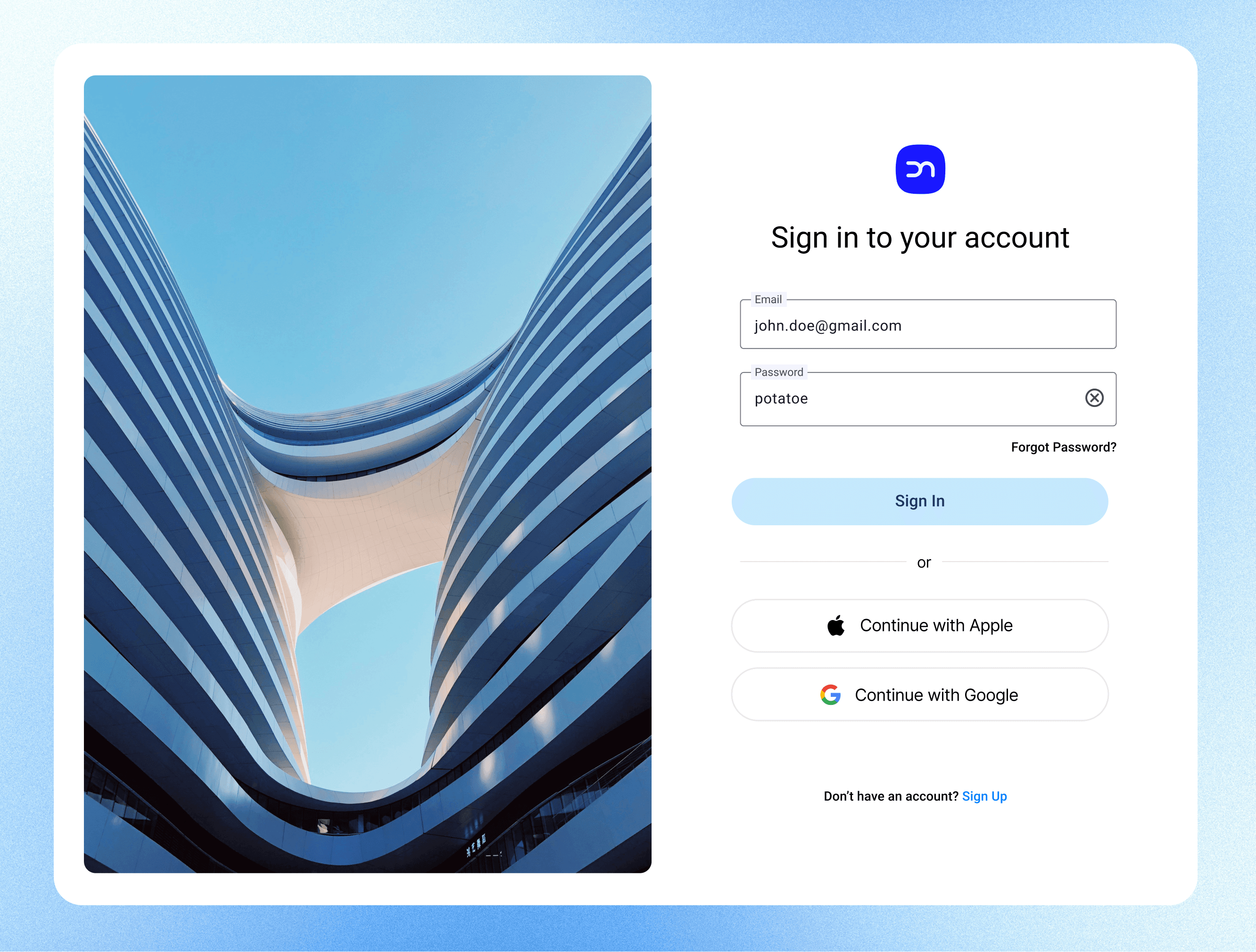
For the interface, we built on Material 3 principles as a design system for structure and scalability.
Consistency: Buttons, dialogs, and menus followed Material 3’s state layers, ensuring identical interaction behavior across the app.
Tonal Color System: We used M3’s color roles (primary, surface, variant, on-surface) to construct a flexible palette around CareerNetwork’s blue base, future-proof for dark mode and theme customization.
Depth through Tone: Instead of heavy shadows, elevation was expressed through tonal shifts, making the UI calm and professional.
Motion and Feedback: Subtle easing and opacity transitions gave clarity without distraction, keeping the interface responsive and confident.
Material 3 gave us a rational framework to design with restraint, letting hierarchy, motion, and feedback carry meaning instead of decoration.
Visual Design and System Thinking
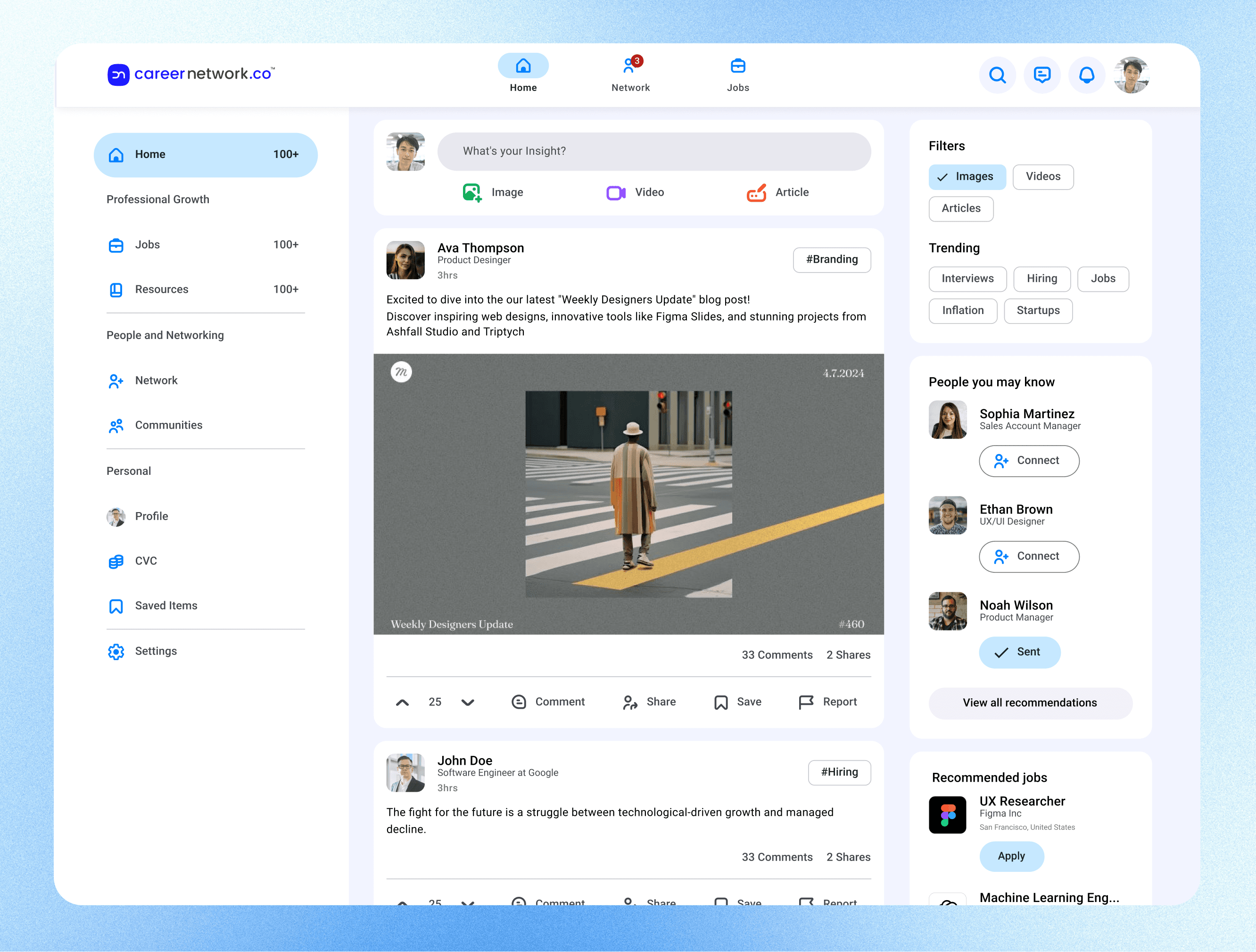
The final visual system balances simplicity with credibility. We kept the palette minimal, using clean whites, muted grays, and deep blue accents. Typography plays the main role in hierarchy, while spacing and elevation create rhythm.
Every interface element, from mentorship cards to community posts, follows a shared logic grid. This makes the system scalable; adding new features like payments or events doesn’t break the structure.
We intentionally designed one language for all roles—mentors, learners, and admins—to reduce friction and preserve familiarity. The product behaves differently by permission, not by design.

Reflection
CareerNetwork 3.0 wasn’t about visual redesign, it was about building a system that makes mentorship feel natural and trustworthy.
From information architecture to Material 3 implementation, every layer was designed for clarity, not complexity.
This project taught us how structure and simplicity can do more for credibility than branding ever could.
CareerNetwork 3.0 became more than a product, it became a design framework for connection.